iOS 27.2 Integrates Siri Remotes into Find My App for Easier Locating
Apple's iOS 27.2 and tvOS 27.2 updates allow second- and third-generation Siri Remotes to be tracked via the Find My app, replacing the less intuitive Control Center method previously required.
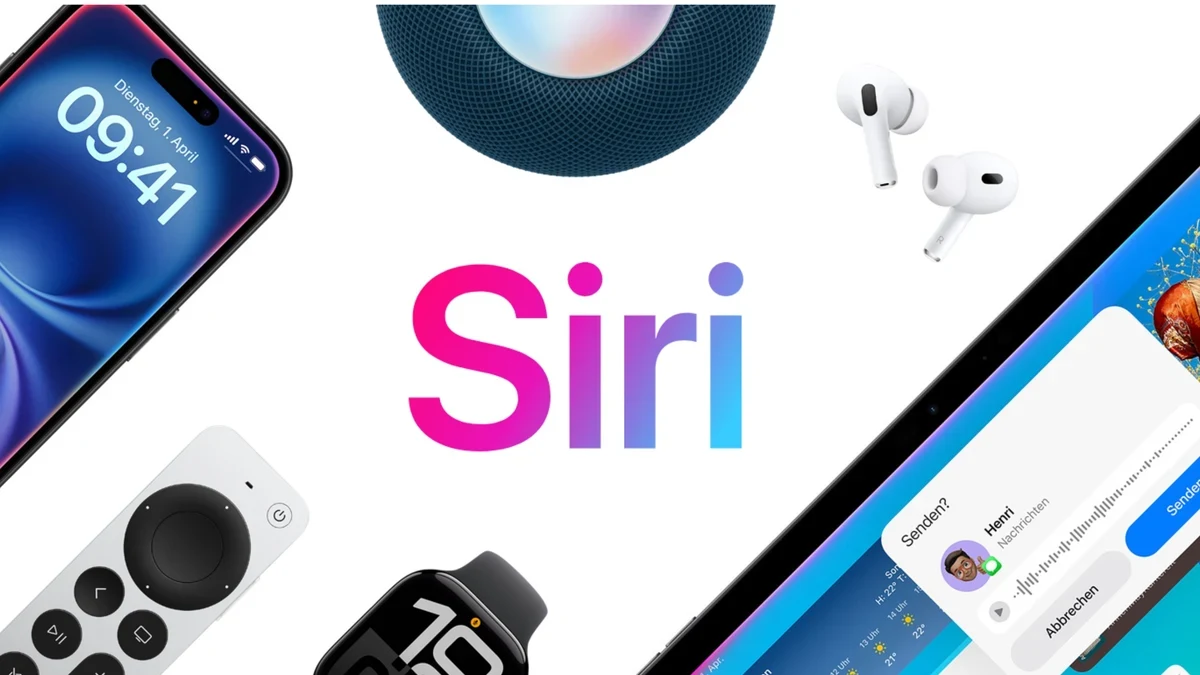
Users of second- and third-generation Siri Remotes can now track their devices using the Find My app following the installation of iOS 27.2 and tvOS 27.2. Previously, locating a lost remote required navigating to the Apple TV Remote widget in the Control Center, an option that was difficult for many users to find.
Under this update, supported Siri Remotes are listed in the Find My app alongside other devices, offering a more intuitive tracking experience for iOS and macOS users. This change fulfills a commitment made by Apple when the fourth-generation Apple TV 4K was announced, which stated that Find My support would be available for second-generation remotes and later models.
The fourth-generation Apple TV 4K will include a new Siri Remote equipped with a speaker and Precision Finding features to aid in recovery. However, older second- and third-generation remotes do not support sound playback or Precision Finding. Users may need to wait for specific firmware delivery to the remote after installing the software updates for the device to appear in the Find My app.
Sources1
Reporting and evidence linked in this story.
Claim connections3
iOS 27.2 and tvOS 27.2 enable second- and third-generation Siri Remotes to be tracked using the Find My app.
confirmedConnected sources1
Previously, locating a Siri Remote required using the Apple TV Remote widget in the Control Center rather than the Find My app.
confirmedConnected sources1
The upcoming fourth-generation Apple TV 4K Siri Remote will feature a speaker and Precision Finding, unlike older remotes which lack these features.
confirmed